Quick answer: There’s no separate Robinhood program to install on Windows or Mac — you use Robinhood on a computer through the official website, robinhood.com, in a browser like Chrome, Safari, Edge or Firefox. Sign in to get the web app for everyday investing, or switch to Robinhood Legend, the free browser-based desktop platform with advanced charts and multi-chart layouts. Avoid websites offering a “Robinhood app for PC download” — they’re unofficial and can be unsafe.
Many investors prefer a bigger screen for research and trading. This guide shows how to use Robinhood on a computer safely and efficiently.
Robinhood on desktop at a glance
| Option | Best for | How to access |
|---|---|---|
| Robinhood web app | Everyday investing, transfers, documents | robinhood.com in a browser |
| Robinhood Legend | Active trading and advanced charts | Switch to Legend at robinhood.com |
| Mobile app | On-the-go | Official App Store / Google Play |
| Unofficial PC downloads | Avoid | Not recommended |
How to use Robinhood on a computer
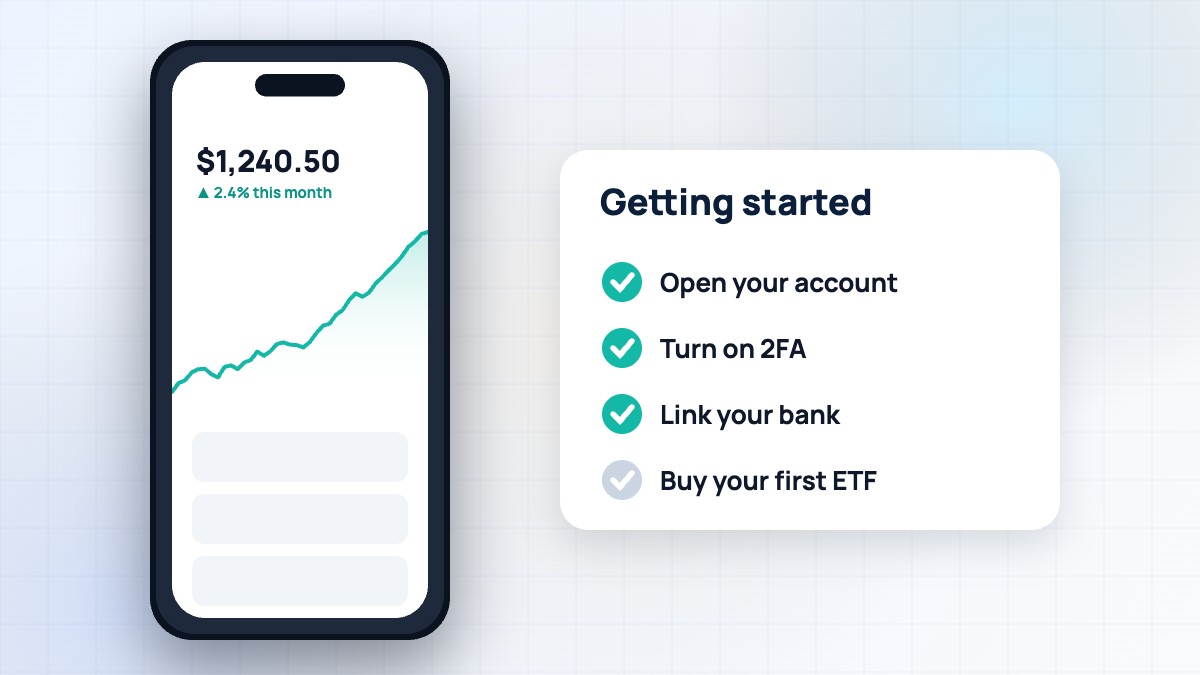
- Open a supported browser (Chrome, Safari, Edge or Firefox) and keep it updated.
- Type robinhood.com yourself or use a bookmark.
- Click Log in and complete two-factor authentication.
- Use the dashboard to view your portfolio, search stocks, trade and manage transfers.
- Find documents and tax forms under the account menu.
New to Robinhood? Start with our beginner’s guide.
What you can do on the web
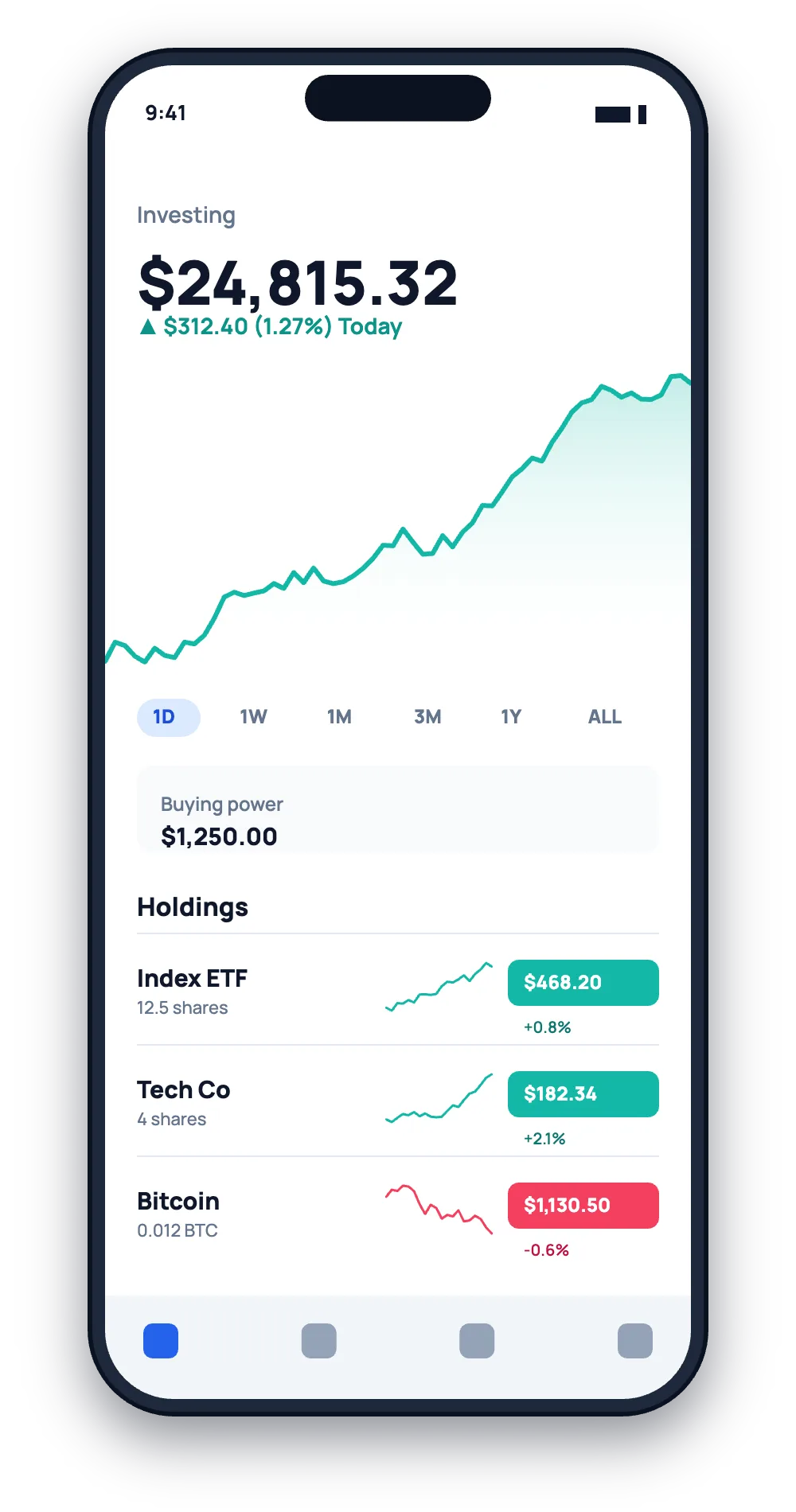
- Buy and sell stocks, ETFs, options and crypto.
- Deposit and withdraw money.
- View statements, confirmations and tax documents.
- Manage settings, security and recurring investments.
- Contact support through the help centre.
Robinhood Legend for active traders
Legend adds advanced charting with 50+ indicators, drawing tools, customisable multi-chart layouts (up to eight charts per window), multi-monitor support and chart trading. It runs in your browser on Windows and macOS with no extra fee. See our Robinhood Legend guide.
Desktop vs mobile
| Desktop (web/Legend) | Mobile app | |
|---|---|---|
| Screen space | Large, multiple panels | Small |
| Charts | Advanced in Legend | Basic |
| Downloads/documents | Easier | Possible |
| On-the-go | No | Yes |
| Biometric login | Depends on device | Yes |
Avoid unofficial “Robinhood for PC” downloads
Some websites offer “Robinhood for PC” installers or ask you to install Android emulators with modified apps. These are unofficial and can contain malware, steal your login or break Robinhood’s terms. The official desktop experience is simply robinhood.com in your browser. See our scams guide.
Security tips for desktop
- Bookmark robinhood.com; don’t click search ads blindly.
- Use a password manager — it only fills on the real site.
- Use an authenticator app or security key for 2FA.
- Don’t log in on shared or public computers.
- Log out after using a shared device.
- Keep your operating system and browser updated.
Troubleshooting the web app
| Problem | Fix |
|---|---|
| Site won’t load | Refresh, clear cache, try another browser |
| Charts blank | Disable script-blocking extensions for robinhood.com |
| Login loop | Clear cookies for the site, check 2FA |
| Slow performance | Close extra tabs, update browser |
More fixes in our Robinhood not working guide.
Multi-monitor setups
Legend lets you pop out panels to other monitors. Many active traders keep charts on one screen and an order panel and watchlist on another. For long-term investors, a single screen is plenty.
A real-world example
Jordan used the Robinhood mobile app for years but found research hard on a small screen. He bookmarked robinhood.com on his laptop and started using Legend for charts, keeping his phone for quick checks. He also used the web app to download five years of tax documents at once — much easier than on his phone.
Chromebooks and tablets
On Chromebooks, use robinhood.com in Chrome. On tablets, you can use the official mobile app or the website in a browser; Legend is designed for desktop-sized screens.
Keyboard shortcuts and productivity
Use your browser’s bookmarks bar for quick access to your portfolio and Legend layouts. In Legend, learn shortcuts for changing symbols and timeframes. Small habits make desktop investing faster and reduce errors.
Is desktop trading safer?
Not automatically. A computer can be infected by malware just like a phone. Keep devices updated, use reputable security software and avoid downloading unknown files. Phones often have stronger app sandboxing, so both have strengths. See our safety guide.
Desktop for tax season
Tax season is when many people prefer a computer: downloading consolidated 1099s, importing them into tax software and reviewing hundreds of trades is much easier on a big screen. See our taxes guide.
Setting up your browser for Robinhood
A few small changes make the desktop experience smoother. First, create a bookmark for robinhood.com in your bookmarks bar, and a second one for your favourite Legend layout. Second, allow notifications from Robinhood only if you want desktop alerts. Third, if you use privacy or ad-blocking extensions, add an exception for robinhood.com so charts and trading panels load properly. Fourth, enable your password manager so you never type your password into a look-alike site. Finally, consider using a separate browser profile just for finance, with minimal extensions, which reduces the risk of a malicious extension reading your activity. These steps take five minutes and make both security and day-to-day use better.
Web app features that are easier on desktop
- Reviewing long lists of trades and dividends.
- Downloading statements and tax documents in bulk.
- Comparing several stocks side by side in Legend.
- Reading research reports and long news articles.
- Managing multiple accounts, such as an individual account and an IRA.
For quick trades and checking prices on the go, the mobile app is still the most convenient. Many people use both.
Signing in on a new computer
The first time you sign in on a new computer, Robinhood may ask you to approve the device or enter a two-factor code. This is normal and protects your account. If you get a device approval request you didn’t trigger, deny it and change your password immediately. Remove old devices you no longer use from your security settings, and never approve logins because someone on the phone asks you to.
Using Robinhood at work
Avoid logging in on work computers or networks you don’t control. Company devices may be monitored, and leaving a session open on a shared machine is risky. Use your own phone or personal computer instead.
FAQ
Is there a Robinhood app for PC?
Use robinhood.com in your browser; there’s no separate official Windows program to download.
Is there a Robinhood app for Mac?
Use the website or Robinhood Legend in Safari, Chrome or another supported browser.
Is the web version the same as the app?
It’s the same account; most features are available on both.
Is Robinhood Legend free?
Yes, for Robinhood customers.
Can I download Robinhood from other websites?
Avoid it — use only official app stores and robinhood.com.
Summary
Use Robinhood on a PC or Mac through robinhood.com — the web app for everyday investing and Legend for advanced trading. There’s no need to download a desktop program, and you should avoid unofficial installers. This article is educational and not financial advice.
RobinhoodTradeApp Guide is an independent website and is not affiliated with, endorsed by or sponsored by Robinhood Markets, Inc. This article is for educational purposes only and is not financial, investment or tax advice. Fees, rates and features change often, so always confirm details on Robinhood’s official website. Investing involves risk, including the possible loss of principal.


Leave a Reply