Quick answer: To use Robinhood, download the official app or visit robinhood.com, open an account with your personal details and Social Security number, link a bank account and deposit money, then search for a stock or ETF, tap Trade → Buy, choose an amount and confirm. Stock and ETF trades have no commission. Start small, use limit orders, turn on two-factor authentication and learn the risks before trying options, margin or crypto.
Robinhood is designed to be simple, but a few key details can save you money and stress. This guide walks you through everything a beginner needs.
How does the Robinhood app work?
Robinhood is an online broker. You add money from your bank, buy and sell investments in the app, and Robinhood holds them in your account. It doesn’t charge commission on stock and ETF trades. Instead, it earns from sources such as payment for order flow, interest, Gold subscriptions and crypto trading.
New to it? Read what Robinhood is and what it costs first.
What you need to open a Robinhood account
| Requirement | Details |
|---|---|
| Age | 18 or older for your own account |
| Residency | US resident with a valid US address (for Robinhood US) |
| ID | Social Security number or taxpayer ID |
| Bank account | A US bank account to deposit and withdraw |
| Device | iPhone, Android or a web browser |
Robinhood also operates in some other countries with different products. Always use the official website or app store listing.
Step 1: Download the official app and sign up
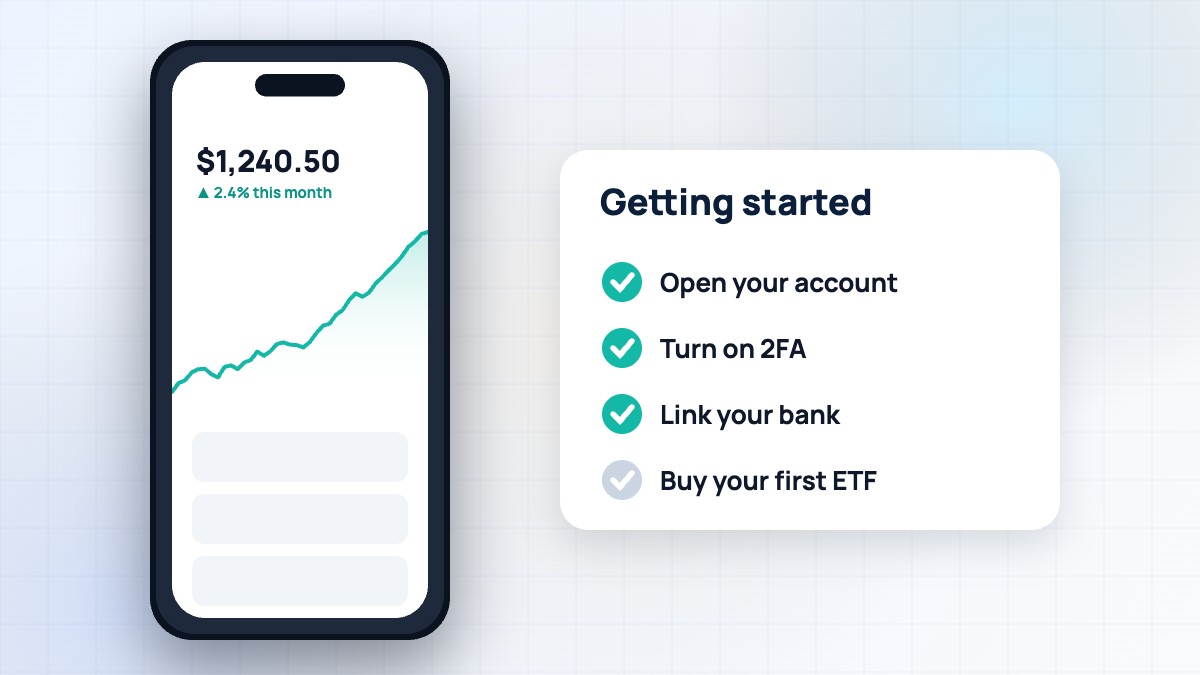
- Install Robinhood from the Apple App Store or Google Play — check the developer is Robinhood Markets, Inc. — or go to robinhood.com.
- Tap Sign up and enter your email and a strong, unique password.
- Enter your legal name, date of birth, address and phone number.
- Provide your Social Security number (required by law for US brokerage accounts).
- Answer questions about your employment, income and investing experience.
- Review and accept the agreements.
Robinhood may ask for a photo of your ID if it can’t verify you automatically. Never sign up through links in unsolicited texts or emails.
Step 2: Secure your account
Before adding money, protect your account:
- Turn on two-factor authentication (2FA) in Security settings. An authenticator app is safer than SMS.
- Use a unique password you don’t use anywhere else.
- Turn on device security such as Face ID or a PIN.
- Learn the scam warning signs. Robinhood says it will never ask for your password or 2FA code.
Our safety guides explain common scams and how to avoid them.
Step 3: Link your bank and deposit money
- Go to Account → Transfers → Transfer money.
- Link your bank, usually by signing in to your bank through a secure connection.
- Choose an amount and deposit.
Bank transfers (ACH) are free. Robinhood may give you instant access to part of a deposit before it fully arrives, depending on your account. The full amount usually settles in a few business days.
Step 4: Understand the home screen
| Area | What it shows |
|---|---|
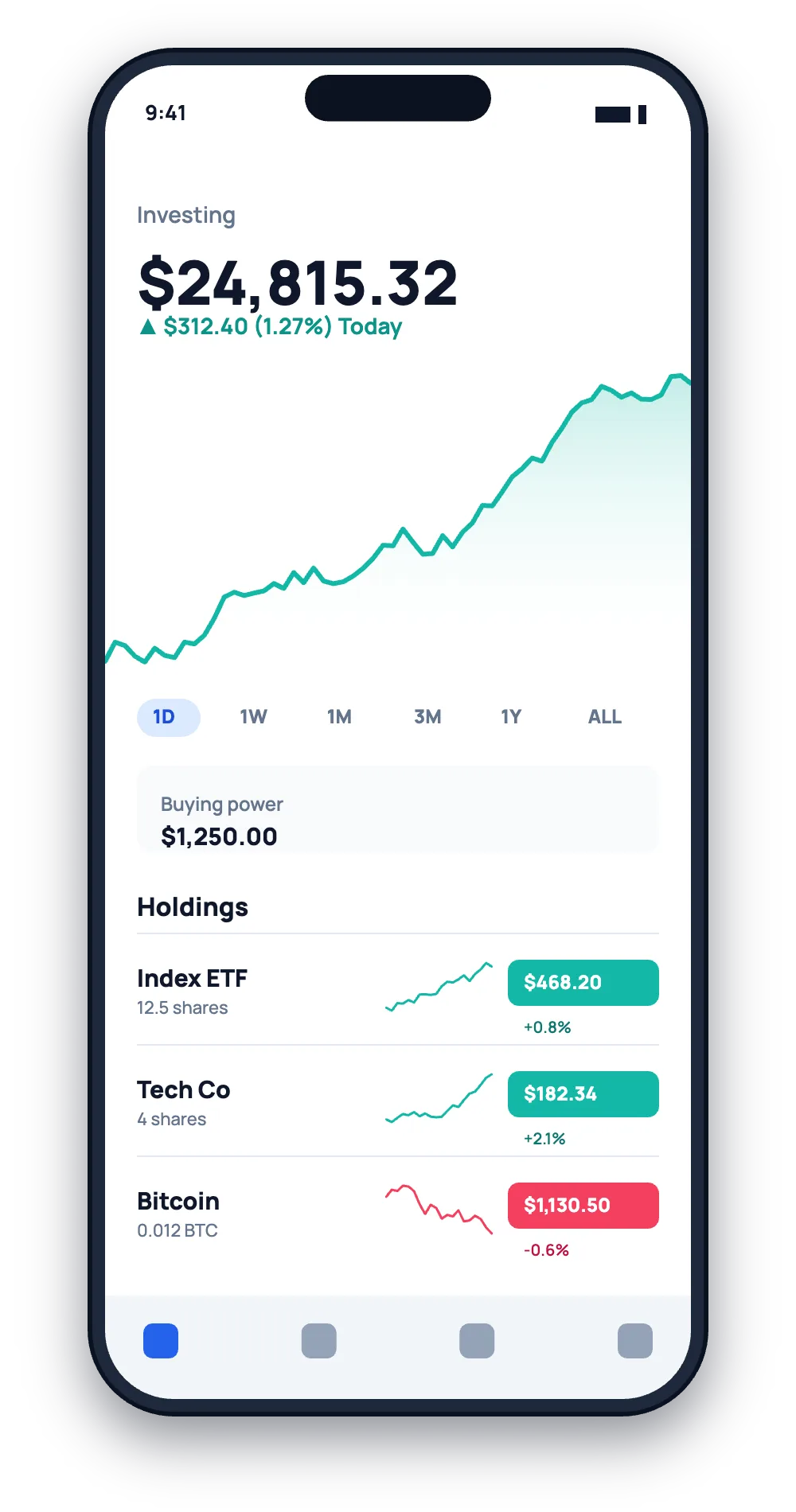
| Portfolio chart | Your total account value over time |
| Buying power | Money available to invest right now |
| Lists | Watchlists of stocks, ETFs and crypto you follow |
| Search | Find stocks, ETFs and other assets |
| Account | Settings, transfers, statements, tax documents |
Tap any stock to see its chart, key statistics, news and analyst information. Build a watchlist before buying, so you can follow companies you understand.
Step 5: Buy your first stock or ETF
- Search for the company or fund.
- Tap Trade → Buy.
- Choose to buy in dollars (fractional shares) or shares.
- Choose an order type. A limit order lets you set the maximum price you’ll pay; a market order buys at the current price.
- Review the order and swipe or tap to submit.
Market orders fill quickly during market hours but the price can move. Limit orders give you price control. Regular US market hours are 9:30 a.m. to 4:00 p.m. Eastern Time on weekdays; Robinhood also offers extended hours and a 24 Hour Market for some stocks.
Step 6: Track and sell
Your positions appear on the home screen. Tap a holding to see your average cost, return and dividends. To sell, open the stock, tap Trade → Sell, choose the amount and order type, and submit. Money from a sale is available to reinvest right away in most cases, but withdrawals may need the trade to settle first (US stock trades settle in one business day, known as T+1).
Step 7: Withdraw money
Go to Account → Transfers → Transfer money, choose your bank as the destination and enter the amount. Standard bank transfers are free and usually take a few business days. Instant withdrawals to an eligible debit card may be available for a fee. Check details in the app before withdrawing.
Key features to explore later
| Feature | What it is | Beginner tip |
|---|---|---|
| Recurring investments | Automatic purchases on a schedule | Great for building a habit |
| Fractional shares | Buy part of a share in dollars | Invest small amounts in big companies |
| IRA | Retirement account with tax benefits | Ask about the IRA match |
| Robinhood Gold | Paid subscription with extra features | Only pay if you’ll use the benefits |
| Options | Contracts on stocks | Complex and risky — learn first |
| Margin | Borrowing to invest | Increases risk and costs interest |
| Crypto | Buy and sell cryptocurrencies | Very volatile; not SIPC-protected |
Common beginner mistakes
- Investing money you’ll need soon. Keep an emergency fund first.
- Chasing hype. Popular stocks can fall fast.
- Using options or margin too early. Losses can exceed what you expect.
- Not diversifying. Putting everything in one stock is risky.
- Checking prices constantly. Long-term investing rewards patience.
- Ignoring taxes. Selling at a profit can create tax bills; Robinhood provides tax forms each year.
The SEC’s Investor.gov site has free, trustworthy beginner lessons.
Understanding risk
All investing involves risk. Stocks can lose value, and you can lose money. Diversified funds such as broad-market ETFs spread risk across many companies. Crypto and options can move very quickly. Margin can magnify losses. Before using any feature, read Robinhood’s disclosures and make sure it fits your goals and comfort with risk. This guide is educational and not financial advice.
How Robinhood makes money
Robinhood earns money from sources such as payment for order flow, interest on cash and margin loans, Robinhood Gold subscriptions, crypto trading, card fees and other services. Knowing this helps you understand why some features are free and others are not. Robinhood discloses details in its official documents.
A real-world example
Maya, a 24-year-old nurse, opened a Robinhood account with $200. She turned on 2FA, linked her bank and set a $25 weekly recurring investment into a broad-market ETF. She learned about limit orders before buying her first individual stock and kept her emergency savings separate. A year later she had built a steady habit, understood her tax forms and felt confident exploring the IRA option. Starting small and learning step by step made all the difference.
Getting help
Use the in-app Help section or Robinhood’s help centre for official support. Be careful with phone numbers you find online — Robinhood offers support through the app and website. For clear explanations, browse our beginner guides and account help sections.
FAQ
How much money do I need to start on Robinhood?
There’s no account minimum, and with fractional shares you can invest as little as $1 in many stocks and ETFs.
Is Robinhood good for beginners?
It’s simple to use, but beginners should learn the basics and avoid risky features like options and margin until they understand them.
How long does it take to open an account?
Often minutes, though some accounts need extra verification.
Can I use Robinhood on a computer?
Yes, at robinhood.com in a web browser. Active traders can also use Robinhood Legend.
Does Robinhood charge fees?
Stock and ETF trades are commission-free, but some services cost money. Check the official fee schedule.
RobinhoodTradeApp Guide is an independent website and is not affiliated with, endorsed by or sponsored by Robinhood Markets, Inc. This article is for educational purposes only and is not financial, investment or tax advice. Fees, rates and features change often, so always confirm details on Robinhood’s official website. Investing involves risk, including the possible loss of principal.

Leave a Reply