
Quick answer: Robinhood restricts accounts for reasons such as a returned or reversed deposit, a negative balance (account deficit), settlement violations in cash accounts, margin calls, identity or security checks, or a rule or terms violation. The app usually shows a banner explaining the restriction and what to do. Most restrictions are fixed by depositing money to cover a deficit, verifying your identity, waiting out a set period, or contacting support in the app.
A restricted account is stressful, especially if you can’t trade or withdraw. This guide explains the common restrictions and how to resolve them.
Common Robinhood restrictions
| Restriction | Typical cause | Usual fix |
|---|---|---|
| Account deficit | Negative balance from fees, returned deposit or margin | Deposit funds to cover it |
| Deposit reversal | Bank rejected a transfer | Cover the amount; fix bank issue |
| Instant deposits disabled | Past returned deposit | Wait period; use settled funds |
| Good faith violation limit | Selling before purchase funds settled (cash account) | Trade with settled cash for a period |
| Margin call | Equity below maintenance | Deposit or sell |
| Identity verification | Info couldn’t be verified | Upload documents |
| Security lock | Suspicious activity | Verify and secure account via support |
Account deficit (negative balance)
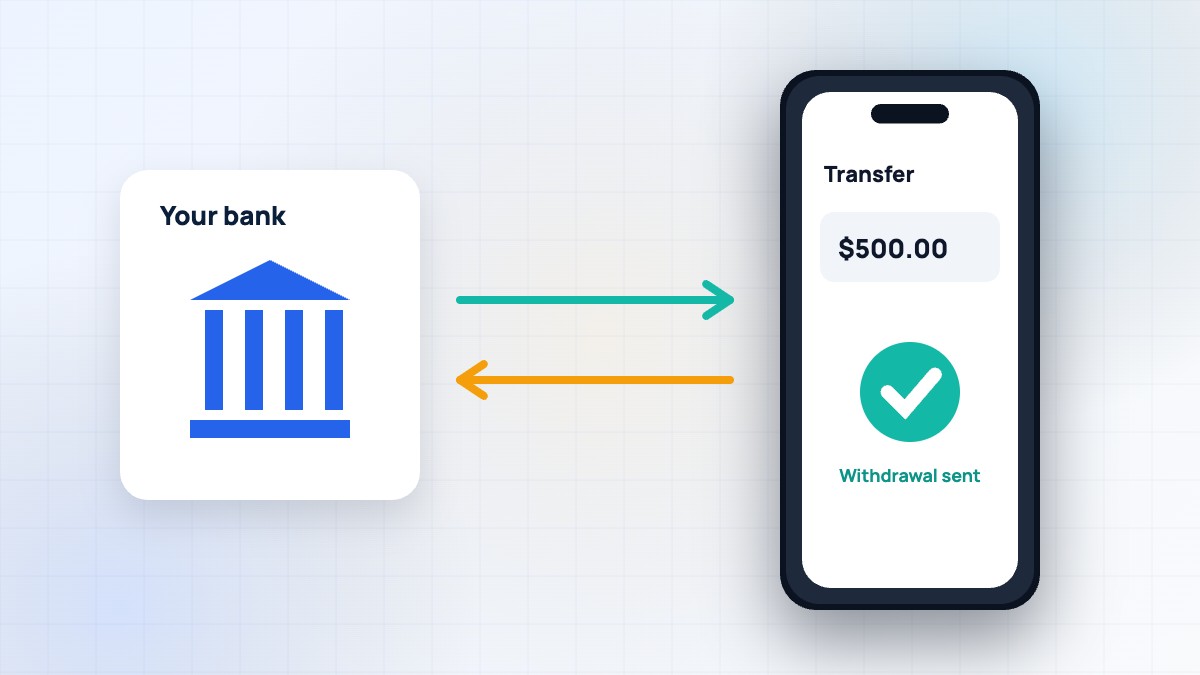
A deficit means your account owes money. Common causes: a deposit you used through instant access was returned by your bank, Gold or margin interest charges when cash was too low, or losses on margin. Robinhood shows the deficit amount and a deadline. To fix it, deposit enough to cover it. If you don’t, Robinhood can sell investments to cover it and may send unpaid amounts to collections. Read our instant deposit guide to avoid returned deposits.
Returned or reversed deposits
If your bank rejects a transfer — for insufficient funds, a closed account or a name mismatch — Robinhood reverses the deposit and may charge a fee. Instant deposits may be disabled for a period. Fix the bank issue, cover any negative balance and use settled funds until restrictions lift.
Good faith violations (cash accounts)
In a cash account, you must pay for purchases with settled money. If you buy a stock with unsettled sale proceeds and sell it before those proceeds settle, you get a good faith violation. Several violations in 12 months can restrict your account to trading only with settled cash for 90 days. US stock trades settle T+1, so wait one business day after selling before reselling stock bought with those proceeds. See our day-trading rules guide.
Margin calls
If your margin account equity falls below the maintenance requirement, you’ll get a margin call. You may be blocked from new purchases until it’s resolved. Deposit funds or sell positions; Robinhood may liquidate without notice. See our margin guide.
Identity and verification holds
Robinhood must verify your identity under financial regulations. If it can’t, it may restrict the account until you upload documents such as a government ID or proof of address. Check the app for requests and upload clear photos. Make sure your name and details match your official documents.
Security locks
If Robinhood detects suspicious logins or changes, it may lock your account to protect you. You might need to verify your identity, reset your password and review recent activity. If you think someone accessed your account, contact support through the app immediately and read our scams guide.
Other restrictions
- Position-closing only: you can sell but not buy, often due to deficits or risk reviews.
- Options or margin removed: if your profile or activity changes.
- Crypto restrictions: for verification, state rules or security reasons.
- Legal holds: court orders, levies or estate matters.
- Terms violations: such as suspicious trading or prohibited activity.
Step-by-step: how to fix a restriction
- Open the app and read the banner or notification explaining the restriction.
- Check your balance for a deficit and deposit to cover it.
- Upload any requested documents.
- Wait for pending deposits to settle.
- If it’s unclear, contact support through Account → Help.
- Keep notes of dates and case numbers.
How to avoid restrictions
- Only deposit money that’s in your bank.
- Keep a small cash buffer for fees and Gold.
- In cash accounts, track settled vs unsettled funds.
- Use margin conservatively, or turn it off.
- Keep your personal details up to date.
- Turn on two-factor authentication.
For contacting Robinhood, see our customer service guide.
A real-world example
Ben deposited $1,000, used instant access to buy stock and then his bank rejected the transfer because his paycheque hadn’t cleared. His Robinhood account showed a $1,000 deficit and instant deposits were disabled. He deposited the money again once his bank balance was ready, the deficit cleared and his account worked normally, though instant deposits stayed off for a while. He now waits until money clears in his bank before depositing.
When restrictions affect withdrawals
Some restrictions block withdrawals until the issue is fixed, especially deficits and security holds. Others only limit certain trades. The app’s transfer screen shows what’s withdrawable. See our withdrawal guide.
What if Robinhood closes your account?
In rare cases, Robinhood may close an account for terms violations or risk reasons. If that happens, you’ll usually be able to transfer your investments to another broker or sell and withdraw. Download your statements and tax documents, and follow the instructions provided. If you disagree with the decision, ask support for details and consider filing a complaint with FINRA.
Restrictions and taxes
If Robinhood sells your investments to cover a deficit or margin call, those sales count for taxes like any other sale. You may have gains or losses to report. Check your 1099 at tax time — see our taxes guide.
Keep calm and document
Restrictions feel alarming, but most are routine and fixable. Take screenshots of the message, note dates and amounts, and work through the steps calmly. Avoid anyone online offering to “unlock” your account for a fee — that’s a scam.
Restrictions on new accounts
New accounts sometimes have temporary limits while Robinhood verifies identity, bank details and deposits. These usually lift on their own after a few days.
Check your email too
Robinhood often emails details about restrictions. Check your inbox and spam folder, but open the app directly rather than clicking links.
FAQ
Why is my Robinhood account restricted?
Common reasons are deficits, returned deposits, settlement violations, margin calls or verification and security checks.
What is a Robinhood account deficit?
A negative balance you owe Robinhood, often from a reversed deposit, fees or margin.
How long do restrictions last?
Some lift once you fix the issue; others last a set period, such as 90 days for certain violations.
Can I withdraw while restricted?
It depends on the restriction. Some block withdrawals until resolved.
Will Robinhood sell my stocks?
To cover deficits or margin calls, Robinhood may sell positions.
Summary
Most Robinhood restrictions come from money movement issues, settlement rules, margin or verification. Read the in-app message, cover any deficit, provide requested documents and contact support if needed. This article is educational; for account-specific help, contact Robinhood directly.
RobinhoodTradeApp Guide is an independent website and is not affiliated with, endorsed by or sponsored by Robinhood Markets, Inc. This article is for educational purposes only and is not financial, investment or tax advice. Fees, rates and features change often, so always confirm details on Robinhood’s official website. Investing involves risk, including the possible loss of principal.

Leave a Reply