
Quick answer: If Robinhood isn’t working, first check for an outage on Robinhood’s official status updates, then update the app, restart your phone, switch between Wi-Fi and mobile data or try robinhood.com in a browser. For login issues, use the official “Need help?” recovery steps. Orders stuck as pending are often waiting for market hours or a limit price; deposits may still be processing. If problems continue, contact support through Account → Help in the app.
App problems usually have simple causes. This guide lists the most common Robinhood issues and how to fix them fast.
Quick fix table
| Problem | First thing to try |
|---|---|
| App won’t open or crashes | Update app, restart phone |
| Can’t log in | Official “Need help?” recovery |
| 2FA code not arriving | Check signal, authenticator app, backup codes |
| Order pending | Check market hours and limit price |
| Deposit not showing | Check transfer status and bank |
| Bank link fails | Re-link bank, try manual verification |
| Prices not updating | Refresh, check connection, check outage |
| Tax documents missing | Check release dates in tax center |
App crashes or won’t load
- Update the Robinhood app from the official app store.
- Restart your phone.
- Check your internet connection; switch between Wi-Fi and mobile data.
- Clear the app cache (Android) or reinstall the app (your account data stays safe on Robinhood’s servers).
- Make sure your phone’s operating system is up to date.
- Try robinhood.com in a browser to see whether the issue is the app or your account.
Robinhood outages
During extreme market activity, Robinhood and other brokers have experienced outages. Check Robinhood’s official status updates or social media channels. If an outage affects your trades, document what happened with screenshots and contact support once service is restored.
Login problems
- Forgot password: use “Forgot password?” on the official login screen.
- 2FA code not arriving: check signal, use your authenticator app or backup codes.
- New phone: you may need to verify identity to move 2FA.
- Locked account: follow the security steps and contact support.
- Email changed: use account recovery with identity verification.
Never enter your login on any site except robinhood.com or the official app. See our scams guide.
Orders stuck as pending
| Cause | Explanation |
|---|---|
| Market closed | Order waits for the next session |
| Limit price | Price hasn’t reached your limit |
| Extended hours off | Order waits for regular hours |
| Low liquidity | Few buyers/sellers |
| Fractional order rules | Some fractional orders execute only at certain times |
See our order types guide.
Deposits and withdrawals not showing
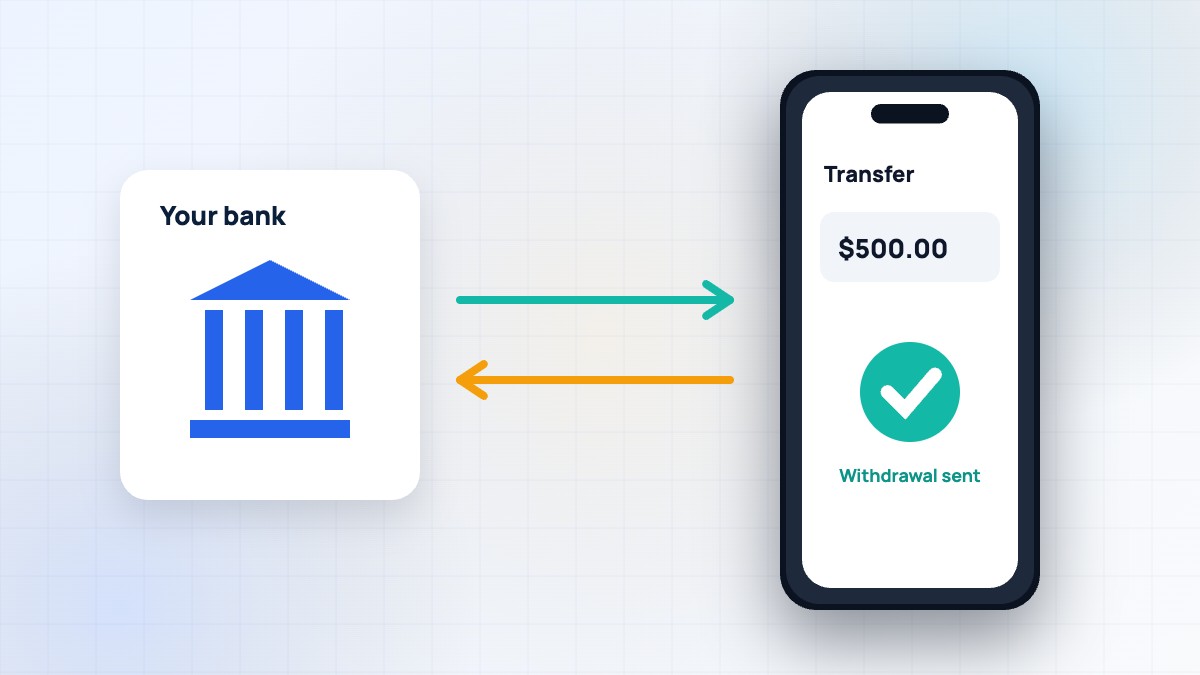
Bank transfers usually take a few business days. Instant access may show part of a deposit right away. Check your transfer history for status. Withdrawals need settled cash and arrive in a few business days. Read our withdrawal guide and instant deposit guide.
Bank linking errors
- Make sure your bank account is in your name.
- Re-link the bank from Account → Transfers → Linked accounts.
- Update the app and try again.
- If instant verification fails, use manual verification with account and routing numbers if offered.
- Check your bank isn’t blocking the connection.
Prices or charts not updating
Pull down to refresh, check your connection and confirm the market is open. Outside regular hours, some stocks don’t trade, so prices may not move. Crypto updates 24/7. For advanced charts, try Robinhood Legend on desktop — see our Legend guide.
Features missing
If you can’t find options, margin, crypto, futures or prediction markets, you may need to enable them and get approved, or the feature may not be available in your state or account type. Check Account → Settings → Investing.
Notifications not working
Check your phone’s notification settings for Robinhood and the notification preferences in the app. Make sure battery-saving modes aren’t blocking alerts.
Tax documents missing
Consolidated 1099 forms are usually available around mid-February, with possible corrections later. If you can’t find them, check the Tax center in the Account menu and the year selected. See our taxes guide.
Restricted account messages
If you see a restriction banner, the issue is with your account rather than the app. Read our account restricted guide.
When to contact support
If basic fixes don’t help, open Account → Help, choose the topic and chat or request a call. Have screenshots, device details and the time of the issue ready. Robinhood doesn’t have a direct-dial number; any number promising instant live help may be a scam. See our customer service guide.
A real-world example
On a busy market morning, Lucy’s app showed spinning loading screens. She checked Robinhood’s official status updates and saw no outage, so she switched from weak Wi-Fi to mobile data and the app loaded instantly. Her pending order turned out to be a limit order below the current price. A few simple checks solved both problems.
Device and browser tips
- Use a supported browser (Chrome, Safari, Firefox or Edge) for the web app.
- Disable browser extensions that block scripts if the site won’t load.
- Keep at least a little free storage on your phone.
- Avoid public Wi-Fi for account logins.
Preventing future problems
- Keep the app updated automatically.
- Use an authenticator app for 2FA and save backup codes.
- Keep your bank account linked and details current.
- Use limit orders and check session settings.
- Plan withdrawals around settlement.
Problems on market-moving days
Big news days — major economic reports, earnings from huge companies or sudden market drops — bring heavy traffic to every trading app. Pages may load slowly, quotes can lag and orders can take longer to confirm. On these days, avoid repeatedly tapping submit, which can create duplicate orders. Check your order history before placing another order. Use limit orders so a delayed fill doesn’t happen at a surprising price. If you rely on trading at specific moments, consider having the web app and Robinhood Legend ready as backups to the mobile app, and keep your device and connection in good shape before the market opens.
Duplicate orders
If you think you placed the same order twice, open your order history straight away and cancel any unfilled duplicate.
Still stuck?
Reinstall the app as a last step.
FAQ
Is Robinhood down right now?
Check Robinhood’s official status updates and social channels for outage notices.
Why is my Robinhood order still pending?
It may be outside market hours, a limit price not reached or a stock not trading in that session.
Why can’t I log in to Robinhood?
Use the official recovery steps; check email, password and 2FA.
Why isn’t my deposit showing?
Deposits can take a few business days; instant access may show part of it.
Robinhood not working with Plaid?
Try re-linking, updating the app or using manual bank verification.
Summary
Most Robinhood problems are fixed by updating the app, checking your connection, confirming market hours and order types, and waiting for transfers to process. Use official recovery and support channels only. This article is educational; contact Robinhood directly for account-specific issues.
RobinhoodTradeApp Guide is an independent website and is not affiliated with, endorsed by or sponsored by Robinhood Markets, Inc. This article is for educational purposes only and is not financial, investment or tax advice. Fees, rates and features change often, so always confirm details on Robinhood’s official website. Investing involves risk, including the possible loss of principal.

Leave a Reply